.avif)
Daily Behavior Tracker for Kids With Special Needs
When a hard week blurs together, this free three-page behavior tracking sheet gives you a calmer way to record what happened. Start with one quick daily row. Add detail only when it helps. Then bring a few specific examples and questions to your child's school or care team.

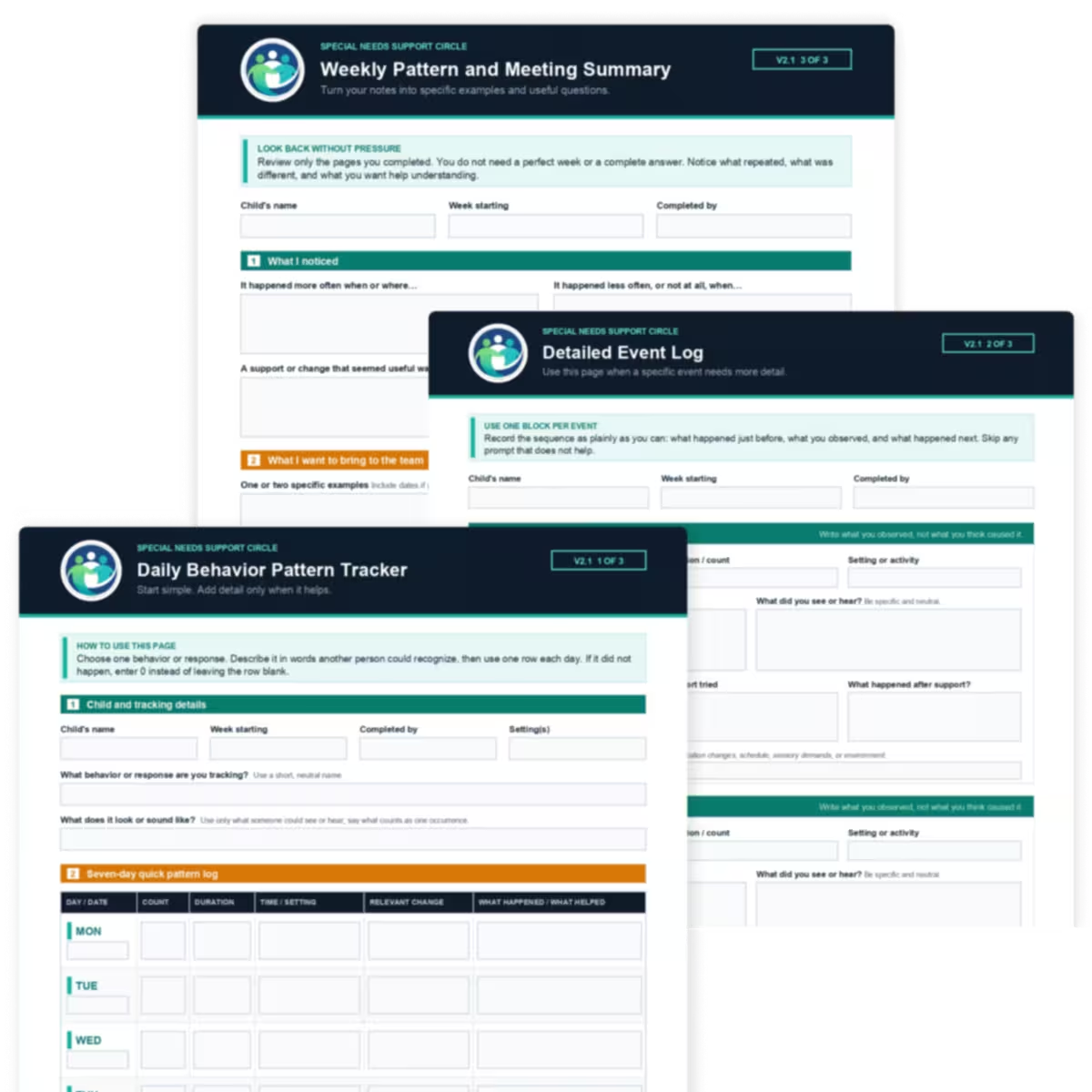
What is included in this free behavior tracking sheet?
One PDF gives you three levels of detail. Start with the quick page. Go deeper only when it helps. Finish with a short summary when you need to explain the week to someone else.
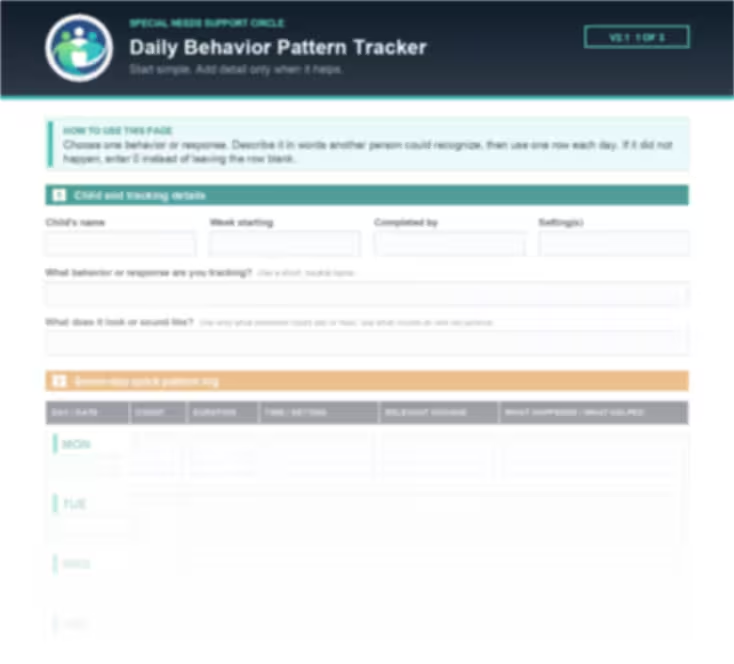
Page 1: Seven-Day Quick Pattern Log
Choose one behavior or response. Give it a short, neutral name and describe what it looks or sounds like so another person would know what counts. Then use one row per day to record count, duration, time or setting, a relevant change, and what happened or helped.
If it did not happen, enter 0 instead of leaving the row blank.
Page 2: Detailed Event Log
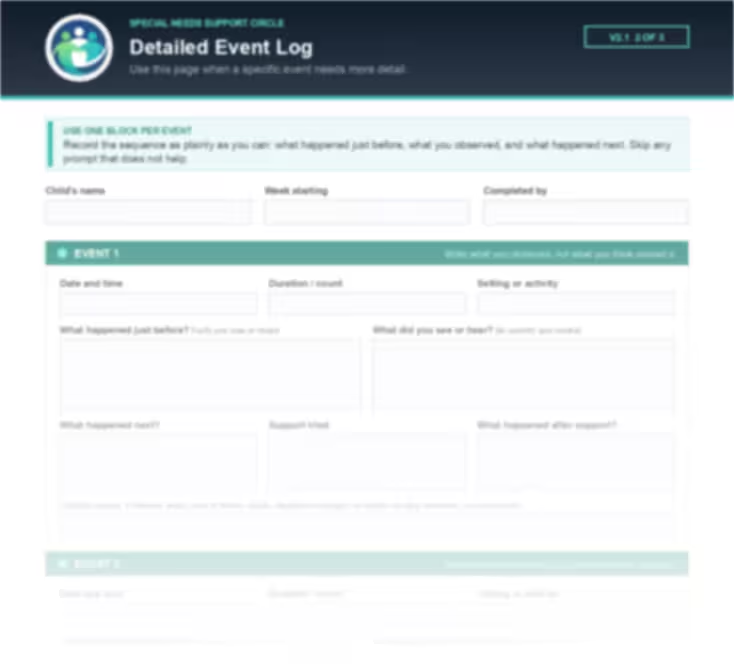
Use this page when one event needs more detail. Record what happened just before, what you saw or heard, what happened next, the support you tried, and what happened after that support. Optional space is included for relevant context such as sleep, pain or illness, meals, medication changes, schedule changes, sensory demands, or the environment.
Skip any prompt that does not help.
Page 3: Weekly Pattern and Meeting Summary
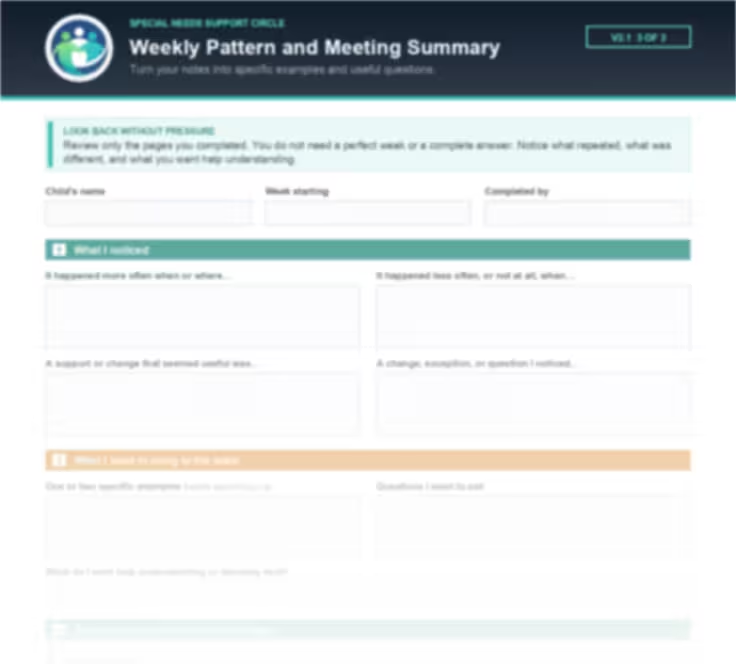
Look back only at the pages you completed. Note what repeated, what was different, what appeared useful, and what you still want help understanding. Then choose one or two examples and write the questions you want to bring to your child's team.
The page includes a short meeting script to help you start the conversation.
Start simple
You can use Page 1 by itself. Add Page 2 or Page 3 only when the extra detail will help you.
One three-page PDF is included. It contains fillable fields for use on a device and is also designed to print clearly for handwriting.
Why can a simple behavior log make hard conversations easier?
Trying to remember two difficult weeks in the middle of an appointment is an unfair test of anyone's memory. You may remember that things were hard but lose the dates, settings, or small differences that would help you explain what you saw.
Written notes let you point to something specific: when it happened, where it happened, what you observed, what changed that day, what support you tried, and what happened next. You are not claiming to know the cause. You are giving the conversation a clearer place to begin.
That matters whether you are talking with a teacher, therapist, doctor, or another member of your child's team. They may ask for different information, but you will not have to rebuild the whole week from memory while sitting in front of them.
Turn “I'm worried about this” into “Here is what I noticed.”
Use Page 1 on ordinary days. Use Page 2 only when one event needs more detail. Use Page 3 when you are ready to look back or prepare for a conversation. You do not need to complete every page.

How do you use the daily behavior tracker?
Three steps are enough. Define one behavior or response, add one quick row each day, and look back when you are preparing for a conversation.
Choose one behavior or response
Use a short, neutral name. Then write what it looks or sounds like using only what another person could see or hear. Be clear about what counts as one occurrence.
Do not try to track everything at once. Start with the question that matters most right now.
Add one quick row each day
Record the count, approximate duration, time or setting, any relevant change, and a few words about what happened or helped. If the behavior or response did not happen, enter 0. If you did not observe or record the day, leave it blank rather than guessing.
When one event needs more context, use a block on Page 2. Write the sequence as plainly as you can and skip any prompt that does not help.
Look back, choose examples, and prepare your questions
On Page 3, notice what repeated, what was different, and what you want help understanding. Choose one or two examples, add dates if you can, and write the questions you want to ask.
Use the meeting script if you need help starting. You can also rewrite it in your own words.

What this tracker cannot tell you
This worksheet helps caregivers organize observations. It does not diagnose a condition, determine why a behavior happens, replace a Functional Behavioral Assessment or Behavior Intervention Plan, or serve as a medication or emergency record.
If you are worried about immediate safety or a medical emergency, seek appropriate help instead of waiting to complete the tracker.
Want a clearer record before your next conversation?
Start with one week and use only the pages you need. The three-page tracker is free, fillable, and ready to print.
How can behavior tracking help at appointments, IEP meetings, and therapy?
You are not tracking for the sake of tracking. You are creating a short record you can use when someone asks, “What have you been noticing?”
Doctor and therapy appointments: bring dates instead of a blurred week
Use the summary page to choose one or two examples connected to the question you want to discuss. Bring the completed pages and ask what information would be most useful to keep recording.
Your notes are a starting point for the conversation. The professional decides what other history, assessment, or information is needed.

IEP and school meetings: share clear parent observations
Use Page 3 to organize what you noticed at home or in another setting. Share specific examples, then ask the team to compare them with the information they have from school.
If you need help preparing for the wider meeting, use the parent-friendly IEP guide

For you: stop carrying every detail in your head
A written record gives hard moments somewhere to go. You can look back when you have the energy, keep only what feels useful, and arrive with your questions already written down. If those moments are also affecting another child in the family, you may also want practical guidance on supporting siblings.
The goal is not perfect documentation. It is a calmer, more specific conversation.
Caregiver support that reduces the documentation burden

What should you track for your child's specific needs?
Start with the concern you need help explaining — not every trait linked to a diagnosis. Choose one behavior or response that another person could recognize. Describe what it looks or sounds like, then use the same description all week.
The goal is not to decide why something happened. The goal is to create a clear record of what you observed, the setting, what happened around it, and what appeared to help.
Autism: record the sequence without guessing at the cause
ADHD: define the action you want help understanding
Anxiety or emotional regulation: write what you can observe
Track one question, not your whole child.
Your child is more than a set of difficult moments. Choose only the behavior or response connected to the conversation you are preparing for. Stop or simplify the process if tracking is adding pressure without helping.
Which guide can help with the conversation you are preparing for?
The tracker helps you organize what you noticed. These live SNSC guides can help you prepare for the next conversation without turning this page into a clinical or IEP-process guide.
Have questions about using the behavior tracker?
You do not need a perfect record, a diagnosis, or a professional request to begin. These answers cover the practical questions that can make the first week easier.
Download the free three-page behavior tracker
One PDF. Three pages. Fill it in on your device or print it for handwriting. Use only what helps, and bring your notes when you are ready.

You do not have to figure out every hard conversation alone.
Special Needs Support Circle includes a Facebook community of 64,000+ families navigating school, care, benefits, and daily life. The questions caregivers share there help SNSC understand where plain-language tools are needed most.
This tool is for personal, non-commercial use only. It is not a substitute for professional medical evaluation, diagnosis, or treatment. Always consult qualified professionals for guidance specific to your child's situation. Last updated: April 2026.