.avif)
Free tool · Fillable and printable PDF · 3 pages
IEP Service Delivery & Follow-Up Log
Keep the support, the question and the next step together.
Questions about a school support can come up at any point in the year. Keep one support, request or question and its follow-up together.
This free log gives you somewhere to note what the plan says, what you know so far, what you want clarified and who will follow up. Start with one item. You do not have to organize everything today.
3-page fillable and printable PDF
Two log entries and a continuation page, delivered as one PDF.
What’s inside
A place for the details you may need again
What the plan or request says
Record the IEP date or version, copy the relevant wording, and note whether you are looking at a draft, a final document or something you need to confirm.
What you know—and how you know it
Separate what you observed from what someone told you or what a document says. Include what is working, too.
The answer and the next step
Keep your question, the school’s response, the follow-up person and a check-in date in the same place. Mark an item still open or resolved.
Every field is optional. There is space for a service, a classroom support, or a question about progress—not only a concern about something going wrong.
How to use it
Start with one support, request or question
Name the item.
Copy the wording from the IEP, or write your own request or question. Mark which it is. A request or proposal is not an agreed service.
Record what you know.
Add the date and the person, document or observation behind your note. If you do not know whether something happened, leave that uncertainty visible rather than recording it as a missed service.
Write the question you want answered.
For example: “Could you help me understand how this support is being provided and where I can find the updates?”
Keep the follow-up together.
Note the response, what happens next, who will follow up and when you want to check back. Keep relevant emails and documents alongside your log.
Use the continuation page for a later update on the same item. If an answer needs more room, use a separate sheet and note the entry it belongs to. For more entries, save a new copy of the PDF. On paper, print page 2 or 3 again. Do not duplicate fillable pages inside the same file.
A closer look
Three pages, one download
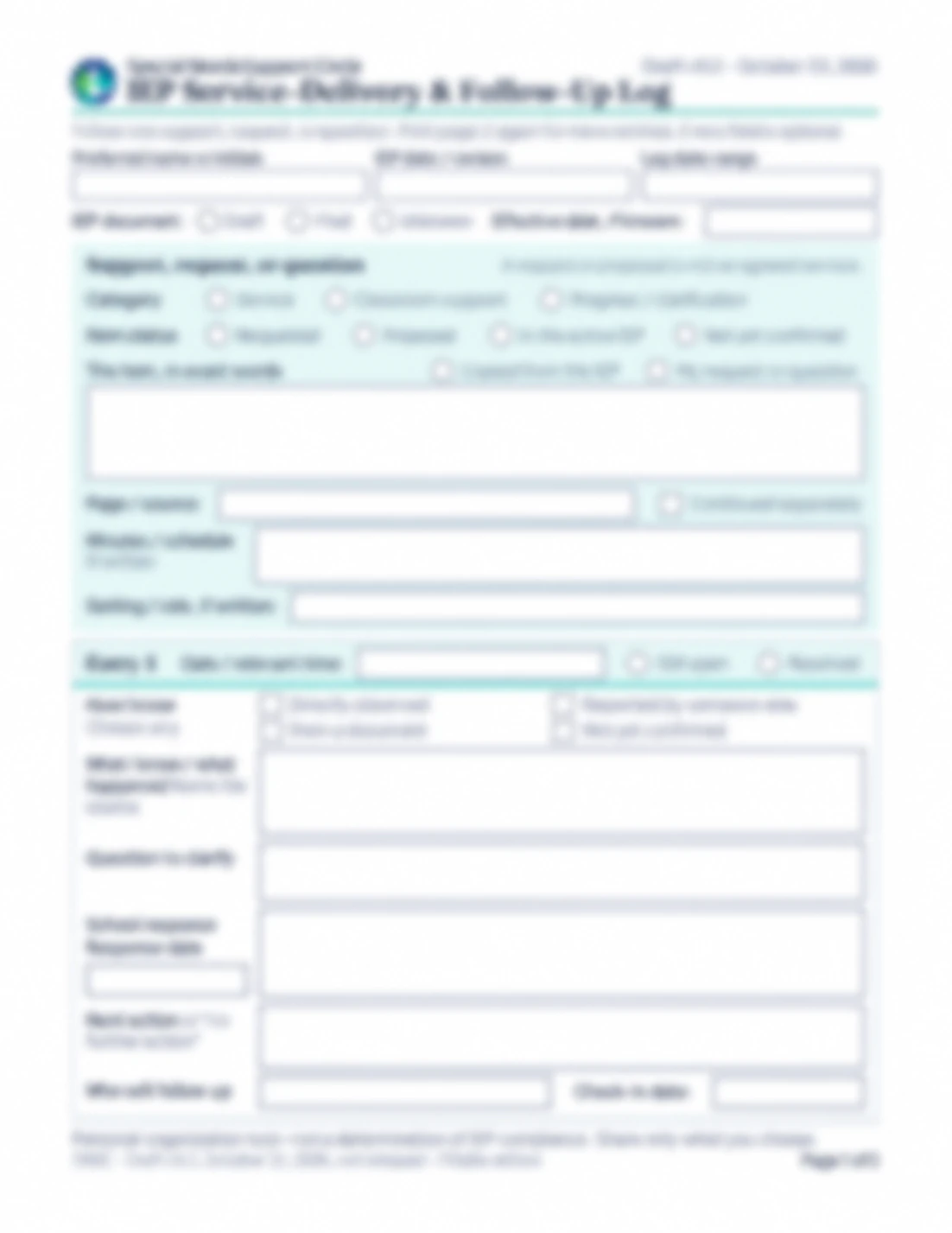
- Page 1: Identify the IEP and the item you want to follow, then make your first entry.
- Page 2: A second entry with more room for what happened, your question, the response and the next action.
- Page 3: A continuation entry for a later update on the same item, with its own date, status, question, response and next-action boxes.
Know what this log can—and cannot—tell you
This is your personal organizer, not the school’s official service record. A blank entry or an unanswered question does not show that a service was missed. The log does not decide whether an IEP has been followed or replace legal advice. It helps you keep the information and questions together for the next conversation.
Need help understanding the plan itself? Start with our IEP Guide for Parents.
Get your free copy
One less thing to hold in your head
Keep one support, request or question and its follow-up together.
Common questions
No. The IEP Meeting Checklist helps you prepare for the meeting. This log helps you keep track of one support, request or question and the follow-up around it. You can use them together.
Yes. Mark the document as Draft or Unknown and identify whether the item is requested, proposed, in the active IEP or not yet confirmed. Keep your own request separate from wording copied from the plan.
No. There is an optional space for minutes or a schedule if those details are written in the plan. This tool organizes individual entries and follow-up; it does not calculate minutes delivered or tell you whether services meet legal requirements.
The PDF has fillable fields, and you can also print it and write by hand. PDF apps handle forms differently. Before relying on an app, enter a short test note, save a copy and reopen it to check that your writing is still visible. If an answer will not fit, use a separate sheet and note the entry it belongs to. Use the continuation page for a later update on the same item.
No. It is for your own organization. Decide what, if anything, you want to share. Downloading it does not submit your notes to the school.
The download form asks for your email—not your child’s name, IEP or completed log. Keep your saved notes somewhere private, and share only what you choose.
Where to go next
Educational information and personal organization only. Not legal advice.