.avif)
Free PDF tool · 3 reusable pages · Fillable and print editions
Visual Routine & Task Breakdown Kit
Make the next step easier to see
Getting ready, packing a bag or starting an activity can involve more steps than it first seems. You do not need to plan the whole day. Start with one routine and the parts your child wants help with.
This free kit gives you a First / Next / Finished board, a four-step planner and an optional support-choice page. Use words, add drawings or pictures on paper, and leave out anything you do not need.
Help and breaks are always available, and they do not have to be earned. You can also try a different way.
Three pages. Use one or use them together.
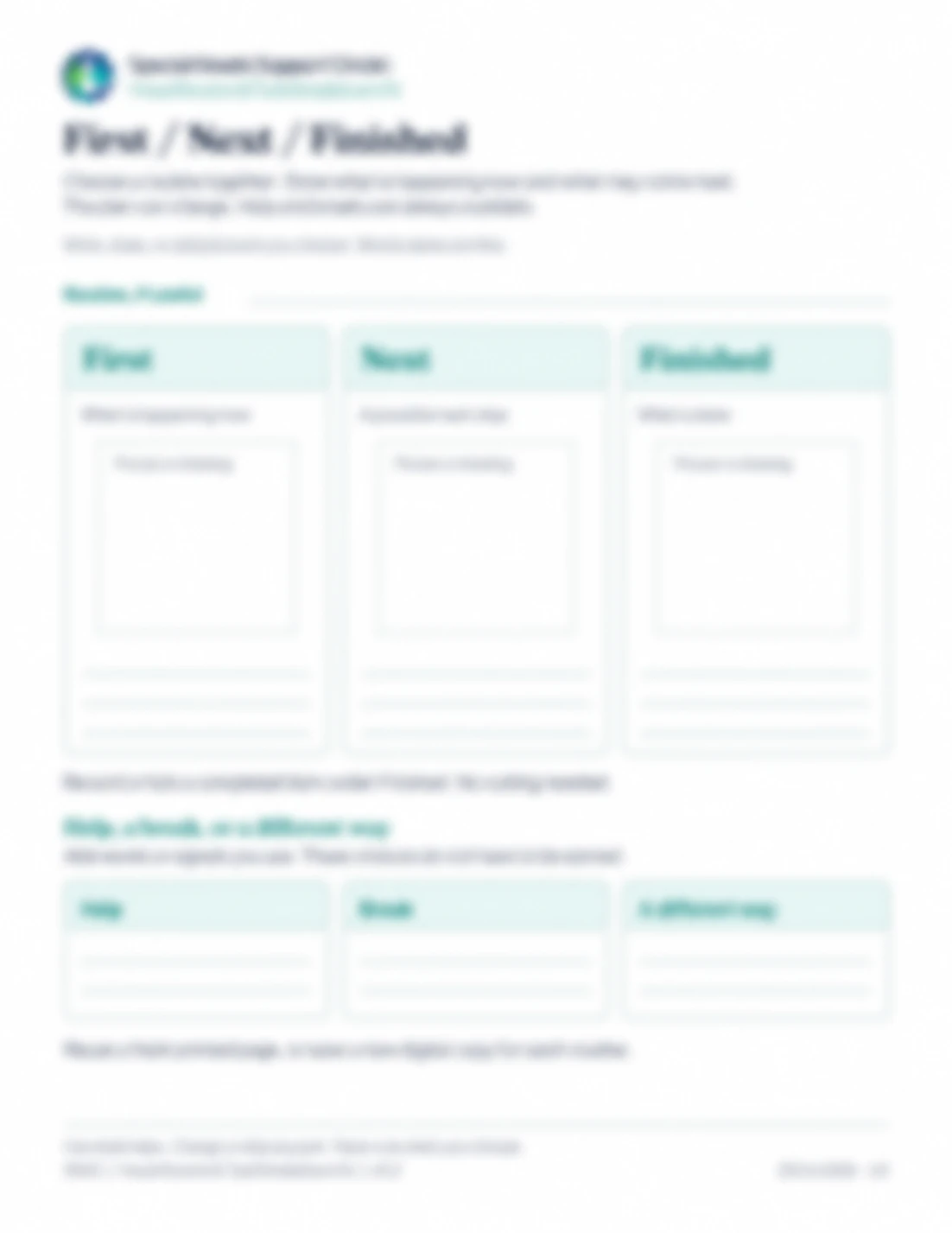
1. First / Next / Finished board
Show what is happening now and what might come next. Use Finished for something that is done—not as a third task your child must complete. You can write or tick a completed item under Finished; cutting and laminating are not needed. There is also space for help, a break or a different approach.
Use short words your child understands. On a printed copy, you can draw or add your own pictures in the blank spaces.
2. Small-step planner
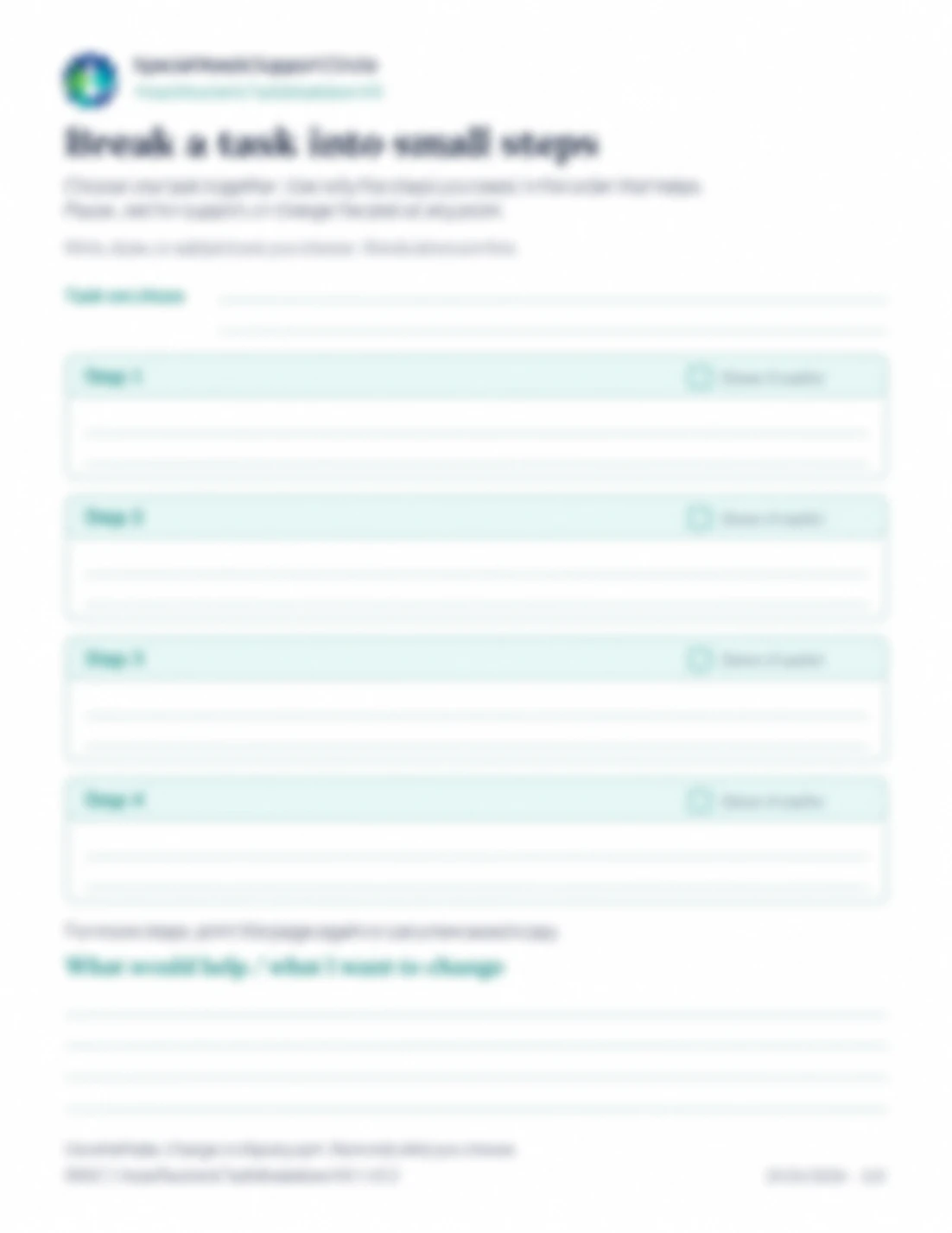
Choose one task together and split it into up to four smaller steps. Use fewer if that is enough. The checkboxes are optional, and there is room to note what would help or what your child wants to change. For more steps, print another copy or use a separately saved digital copy (copying pages inside one file can make the boxes repeat each other’s text).
For example, “pack my bag” could become: put the folder in, add the lunchbox, add the water bottle, then place the bag by the door. Change the steps to match your child’s routine; they are not a test.
3. Optional support choices
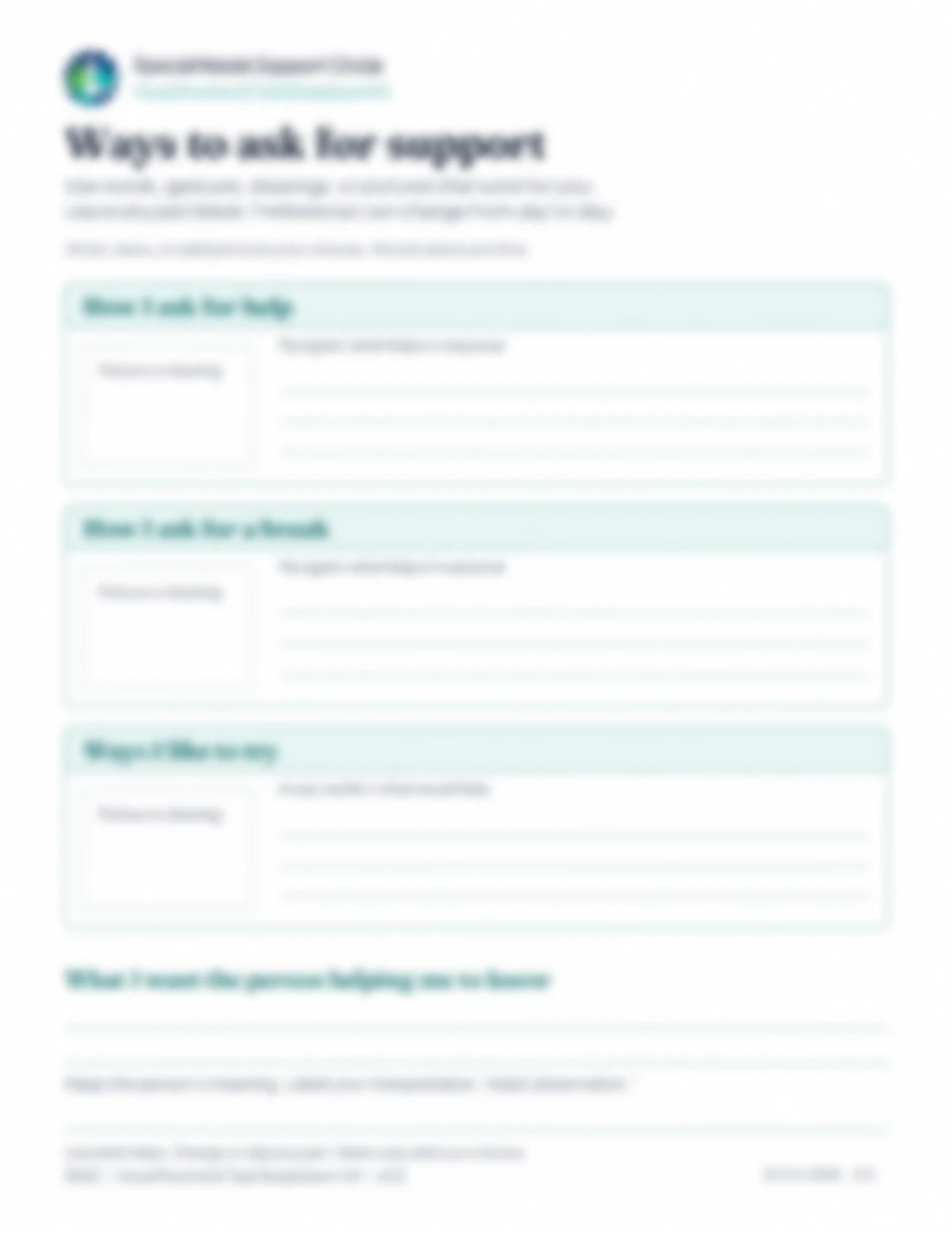
Make a note of how your child asks for help or a break, and what response they find helpful. There is also a separate prompt for preferred ways to try something. Use their own words or communication wherever possible. If you add your interpretation, label it Adult observation.
This page can be used by itself. It is not a replacement for your child’s usual communication system.
An optional Quick Start example
The first page of each PDF shows a fictional worked example and a short introduction. Use it if helpful; it is not a fourth worksheet you have to complete.
Start with one ordinary moment
Choose together. Pick one routine or task—not a whole day to get right.
Show only what is useful. Write a few words, or add familiar pictures on the printed page. Leave unused spaces blank.
Keep the plan flexible. Move, cross out or change the steps as needed. Pause, offer help or try a different approach without waiting for a box to be checked.
If the page adds pressure or confusion, set it aside. You can make it simpler, change the format or return to it another time.
Choose the version that suits you
Fillable PDF: Type short answers into the rows, save a separate copy for each routine and check that everything is visible. Use Tab or tap the next row rather than pressing Enter. Longer answers can go on another row or sheet.
Print PDF: Write, draw or add your own pictures by hand. Print only the pages you want to use.
Both editions contain four pages: the Quick Start followed by the same three blank tools. They are sized for US Letter paper. Check your printer preview and margins before printing on another paper size.
The picture spaces are blank areas on the page, not digital photo-upload fields. Ready-made picture cards are not included.
Keep your child’s information private
The request form asks only for your email address.
You do not need to put your child’s full name, diagnosis or other identifying details on these pages. The PDF does not send completed answers to SNSC. Keep saved or printed copies somewhere appropriate and share only what you choose. If you use a cloud PDF app or shared device, check its storage and sharing settings too.
Get the free kit
A fillable PDF and a print PDF, each with the Quick Start followed by three blank tools.
A few useful answers
No. It is a blank kit for one routine or task at a time. The board shows First, Next and Finished; the planner has room for up to four steps. It does not include a timetable, calendar or picture-card library.
No. Use words if they work for your child, or draw and add pictures to the printed copy. You do not have to fill every space.
No. This kit is for making a routine visible, not earning access to help, a break or basic needs. Finished means something is done. It does not mean your child must complete a sequence before support is available.
The fillable edition has text fields, but PDF apps handle forms differently. Save a short sample and reopen it to check that the text remains visible before filling in the rest. You can use the print edition if that is easier.
No diagnosis is required to use the blank pages. Choose the wording, format and amount of detail that suit your child. This is a planning tool, not an assessment, treatment or individualized support plan.
When you need a different kind of help
About visual supports
Visual supports can use words, pictures or objects to show information. A routine board shows a sequence; a task planner shows smaller actions within one activity. For background, see BeyondAutism’s visual supports guidance and the National Autistic Society’s organizing and prioritizing guide.
These sources provide background, not an endorsement or review of the SNSC kit.
By Special Needs Support Circle
Publication date: October 23, 2026