

Start with one difficult task. Ask what support your child can try, who will help them use it and how you will know whether it is useful.
Preparing for a school conversation?Get the free IEP Meeting Checklist to keep your questions and notes together.
The quick answer
Assistive technology can be an item, piece of equipment or product system used to increase, maintain or improve a child’s functional capabilities. Federal AT definition
For schoolwork, start by asking:
- Reading: Can my child open, see and access the assigned material?
- Writing: How can my child show what they know, and what help do they need to use that support?
- Organization: Where can my child find the next step, the right materials and the place to submit the work?
When your child has an IEP, the team must consider whether they need assistive technology devices and services. IEP consideration rule
A useful conversation covers the whole plan: the task, the support, the people who help and the follow-through.
Start with one schoolwork task
Bring a small example rather than a long shopping list. A worksheet, a screenshot without other students’ information or a brief note may be enough to start the conversation.
Write down:
- What was the assignment?
- Where did your child get stuck?
- What did your child say or show about the difficulty?
- What support was available, and could your child use it?
- What would you like the team to help clarify?
A fictional example: “My child can explain the science answer aloud but spends most of homework trying to write it. Could we discuss ways to record the answer, how someone would teach those options, and what writing instruction should continue?”
Keep the observation separate from your conclusion. “The file would not open with the reading tool” gives the team something specific to investigate.
Reading, writing and organization supports to discuss
These are starting points for a conversation, not recommendations for a particular child.
When reading the material is difficult
Ask about read-aloud or text-to-speech options, a clearer display and accessible versions of the actual assignment. Try the school’s real file during the conversation if possible.
Microsoft Edge includes Read Aloud and an Immersive Reader view that is available on some web pages. Microsoft’s accessibility instructions
Questions to ask:
- “Does this work with the files my child actually receives?”
- “Who will help if the assignment is a scan or the tool skips important information?”
- “When are we working on reading skills, and when does my child need another way to access the lesson?”
For reading instruction and condition-specific school questions, see dyslexia support at school.
When getting ideas onto the page is difficult
Ask about typing, dictation, editing support or another agreed way to respond. Include your child’s preferences and ask what practice or setup would be needed.
Windows voice typing requires an internet connection, a working microphone and a text box for entering text. Microsoft’s voice typing instructions
Questions to ask:
- “Can we try this with a real assignment before deciding?”
- “How will my child check and correct the words?”
- “Where could they use it comfortably?”
- “What is the backup when speaking, typing or the device is not working for them?”
For more detailed writing options and accommodation language, use dysgraphia and writing support.
When keeping track of work is difficult
Ask whether a visible task list, reminder, simpler screen layout or one consistent place for assignments would be worth trying. Keep the plan small enough to use.
Questions to ask:
- “Where will my child see the next step?”
- “Who updates the list or reminder?”
- “How will we check that completed work was submitted?”
- “Does this add another place to check, or make the existing routine easier?”
For broader home and school routines, see ADHD executive function strategies and school accommodations for ADHD.
Check the device’s built-in options before buying an app
Ask the school to show you what is already available on the device and account your child uses.
Chromebook accessibility settings include Select-to-speak and dictation. Google’s Chromebook accessibility instructions
The Microsoft links above explain reading and dictation features on supported systems. Use the current official instructions rather than assuming every device, account, app or assignment works the same way.
Before creating an account, paying for a subscription or uploading schoolwork, ask:
- Is this already available through the school?
- Can the child use it on the school-managed device and at home?
- Does it need internet access or another account?
- What information would be shared with the provider?
- Who can help with setup and account problems?
These examples are not endorsements. You do not need to purchase something to prepare for the school conversation.
Ask for the support around the technology
A device can be present while the practical help is still unclear. Ask who will set it up, demonstrate it, keep it available and help when it stops working.
Assistive technology services can include evaluating needs, selecting or adapting a device, maintaining it, and training or technical assistance for the child, appropriate family members and involved professionals. Federal AT services definition
A public agency must make assistive technology devices or services available to a child with a disability under IDEA when they are required as part of the child’s special education, related services or supplementary aids and services. School AT rule
Words you can use:
“Could we discuss the task my child is struggling with, the support to try, who will teach its use and when we will review it? I would also like to understand what happens when the tool or file is unavailable.”
If your child has an IEP, bring those questions to the IEP team. If there is no IEP, ask the teacher about current classroom options and ask the school’s evaluation or Section 504 contact which process fits your concern. For help putting your concerns in writing, see how to request a school evaluation. The IEP guide for parents can help you understand the broader route.
Make a plan you can follow
You can copy these prompts into your meeting notes. You do not have to answer every question at once.
The task
What activity are we trying to make accessible?
The support
What will we try, with which materials?
Setup
Who will make sure it works on the actual device and account?
Learning to use it
Who will show my child, and who will help staff or family members who need guidance?
Availability
During which classes, assignments or other activities will it be available?
Home access
What is needed for homework or other work outside school?
Backup
What should happen if the device, login or file does not work?
Your child’s experience
What feels useful, uncomfortable or difficult to your child?
Review
When will we check it, and what work examples or observations will we bring?
Ask the team to distinguish a suggestion from an agreed support. Keep a copy of the written plan or follow-up message.
For tests, ask separately: “Which supports are allowed for this assignment or assessment, and where is that written?”
What if it is available but still not helping?
Before assuming the idea failed, bring the team a specific example:
- The tool could not read the assigned file.
- The login worked at school but not at home.
- Your child had not been shown how to use or correct it.
- It was unavailable during the task it was meant to support.
- Your child found it awkward, tiring or uncomfortable.
Ask your child what they would keep, change or avoid, in whatever way they communicate. Record their words or preferences separately from someone else’s interpretation.
A short follow-up might say:
“We tried the support during ___. What we noticed was ___. My child said or showed ___. Could we review the setup, teaching or another option, and agree on the next step?”
If an agreed IEP support is not being provided, use what to do when the school is not following the IEP. Keep device-payment questions with equipment funding. For communication rather than schoolwork output, use AAC for parents.
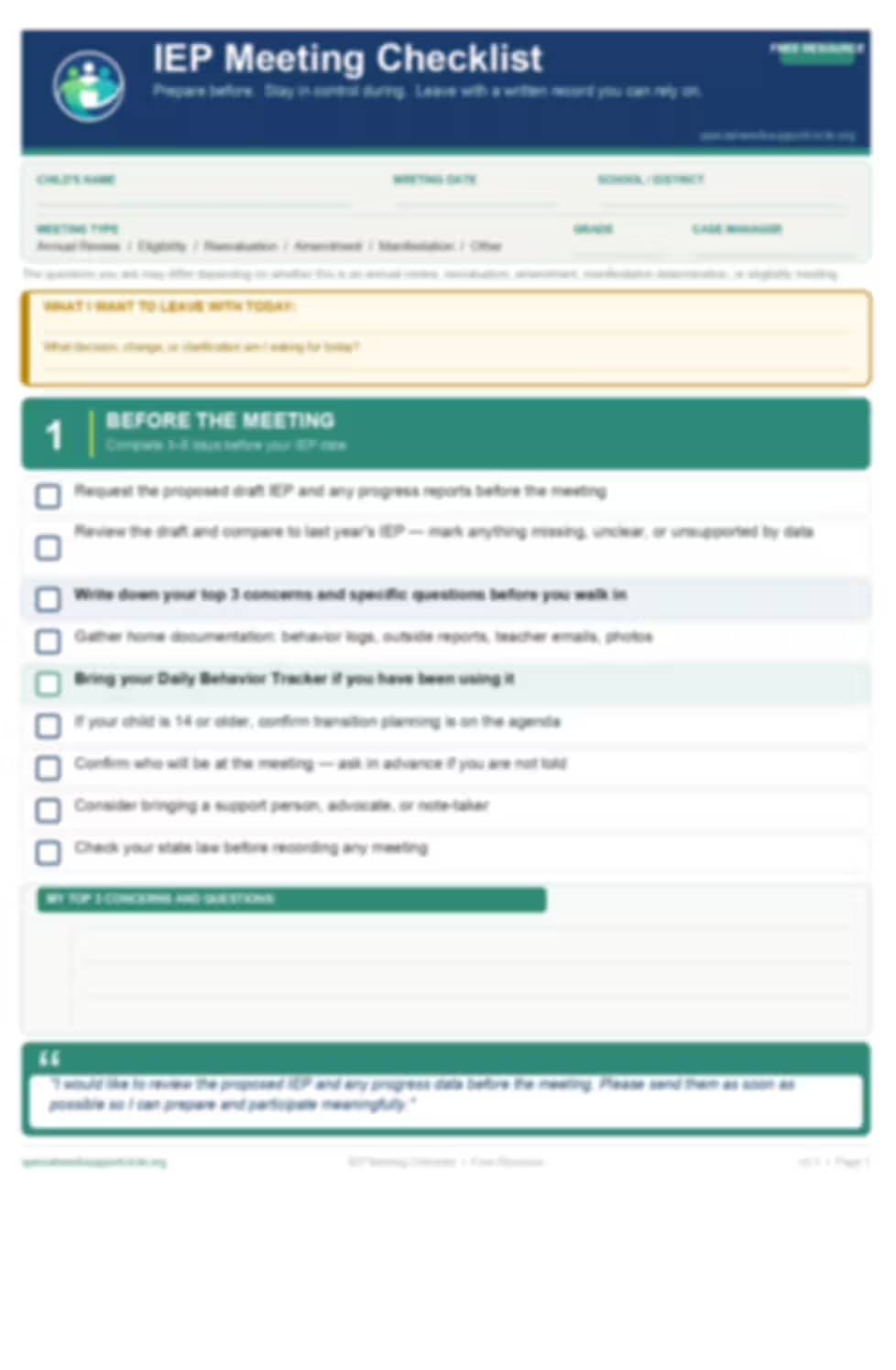
Preview · IEP Meeting Checklist
A LITTLE LESS TO HOLD IN YOUR HEAD
Bring your priorities to the IEP meeting
Use the free IEP Meeting Checklist to keep your priorities, questions, meeting notes and follow-up together—including questions about assistive technology.
Eight-page fillable and printable PDF. Use the sections that help with your next meeting.
This checklist helps you prepare for an IEP conversation; it does not recommend a device for your child. You can read this guide and use the planning questions without signing up.
Questions parents ask
Does the school have to buy the device we choose?
Ask the team to connect the proposed support to your child’s educational needs and explain its decision. If you have a particular model in mind, ask how it compares with the other options the team is considering.
Special education and related services provided as part of a free appropriate public education are provided at public expense and without charge. FAPE definition
Before buying anything yourself, clarify the school’s plan. This guide does not promise reimbursement for a private purchase.
Can a school device come home?
School-purchased devices must be available at home or in other settings when the IEP team determines, case by case, that the child needs that access to receive a free appropriate public education. Home-use rule
Ask about homework, login access, charging, support and what happens if the device is unavailable. Do not assume a classroom arrangement already answers those questions.
What if my child does not have an IEP?
Start with the task and ask the teacher what is currently available. If you are concerned about a disability-related need, ask the school about evaluation and the Section 504 route. For help putting your concerns in writing, use how to request a school evaluation.
Under Section 504, a covered public school must evaluate a student who, because of disability, needs or is believed to need special education or related services before an initial placement or a later significant change in placement. Section 504 evaluation rule
That does not decide your child’s eligibility or which support they need. For the distinction between plans, see IEP versus 504.
Does using technology replace reading or writing instruction?
Ask the team to describe both parts: what your child is being taught and how they can access the work while learning. The condition-specific dyslexia and dysgraphia guides can help you prepare those questions. Avoid treating the choice as all technology or no teaching.
Do we need a separate AT evaluation before we can ask about support?
You can bring the task and your questions to the team now. Ask what information it already has and whether further assessment would help it decide. This guide does not determine which evaluation your child needs.
Take one clear question into the meeting
Choose the task that is causing the most difficulty. Write down what you are seeing and ask who can help make the next step workable.
About this guide
Sources checked October 30, 2026. This guide provides general educational information and questions to discuss with your child’s school. It does not assess your child, recommend a particular device or provide individual legal advice.
Educational content only. Not legal, medical, or financial advice.